AutoPilot Seller Guide
How to earn money by completing KYC verifications on Bybit and MEXC through the AutoPilot Seller bot
AutoPilot Seller Guide
Earn money by completing KYC verifications for Bybit and MEXC accounts through the @AutoPilotSELLER_bot.
<div style="position:relative;padding-bottom:56.25%;height:0;overflow:hidden;margin:1.5rem 0;border-radius:8px;"> <iframe src="https://www.youtube.com/embed/JhSqo2XJeCo" style="position:absolute;top:0;left:0;width:100%;height:100%;border:0;" allowfullscreen loading="lazy"></iframe> </div>Full guide on Teletype: teletype.in/@buykyc_bot/AutoPilotSellers_GUIDE
What is AutoPilot Seller?
AutoPilot Seller is a Telegram bot that connects you with orders for KYC verification. You receive a task link, complete the identity verification on the exchange, and get paid automatically.
Bot: @AutoPilotSELLER_bot
Step-by-Step Workflow
Step 1 — Click Your Order Link
When a new order is available, you receive a unique task link in the bot. Click it to open the KYC verification session directly — no account login required.
Step 2 — Share Your Phone Number
The bot will ask you to share your phone number for identity. This is required to assign tasks to you and process payments.
Step 3 — View Order Details
After accepting a task, you'll see the exchange (Bybit or MEXC), country, payment amount, and deadline.
Step 4 — Take a Task
Press Take Task in the bot to claim the order. Once claimed, the task is reserved for you.
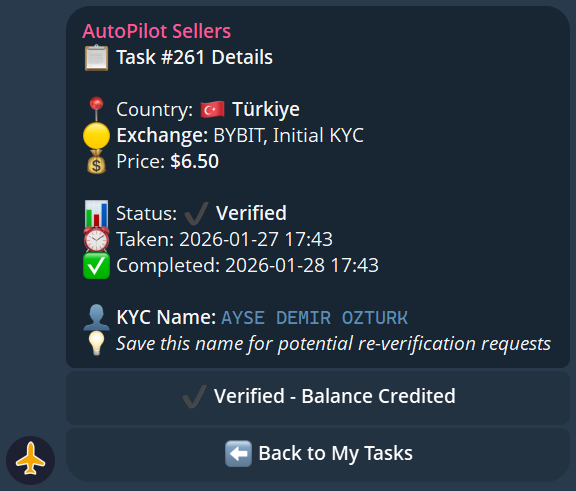
Step 5 — Complete the KYC
Follow the verification flow on the exchange. The bot provides everything needed — no account credentials are shared with you. You only complete the identity verification step.
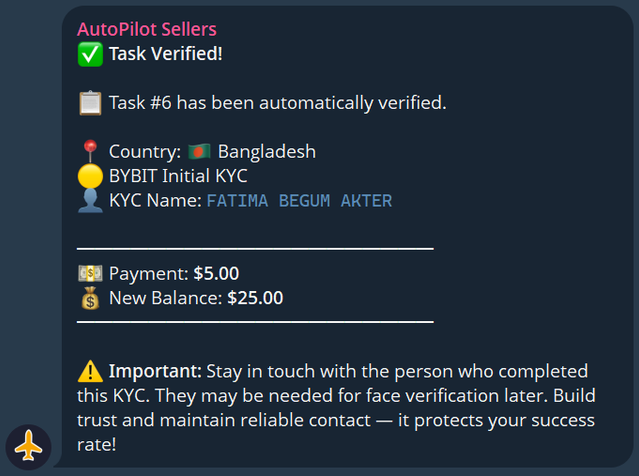
Step 6 — Get Paid
After successful verification is confirmed, payment is credited to your bot balance automatically.
Task Statuses
| Status | Meaning |
Available | Task is open and can be claimed |
In Progress | You have taken the task — complete it |
Completed | Verification confirmed, payment sent |
Failed | Verification was not accepted — no payment |
ReKYC | Re-verification requested (see below) |
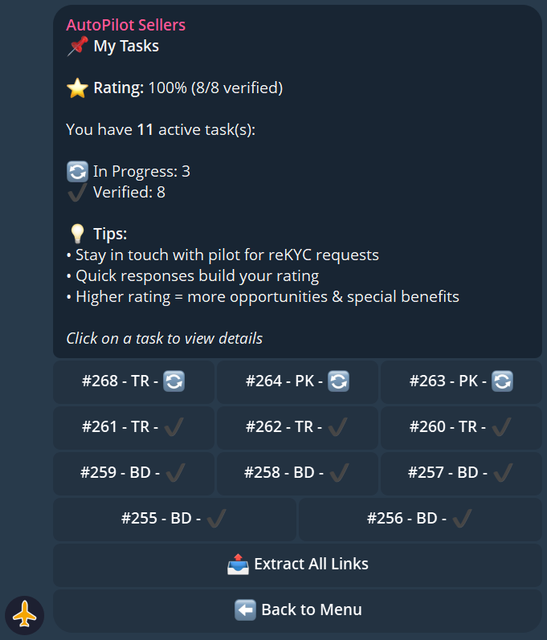
Your Dashboard
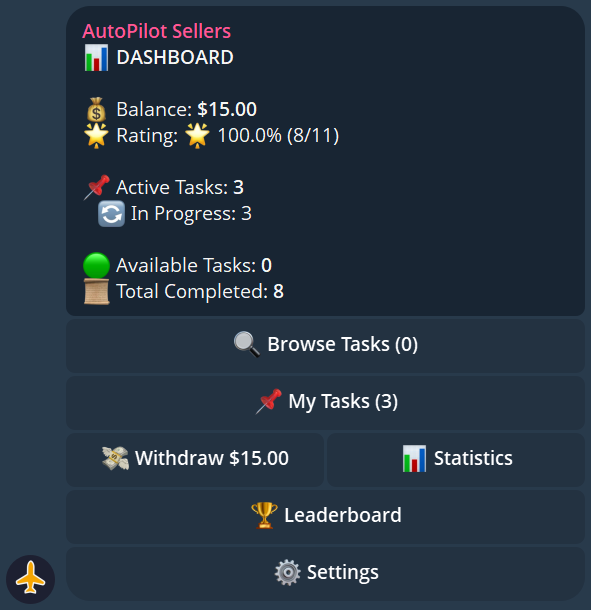
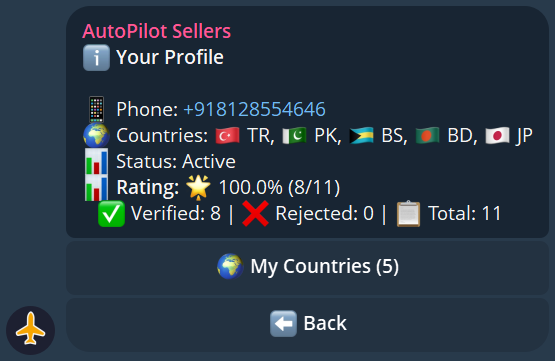
Access your dashboard anytime via the My Dashboard button in the bot. It shows your current balance, active tasks, completed task count, and your rating.
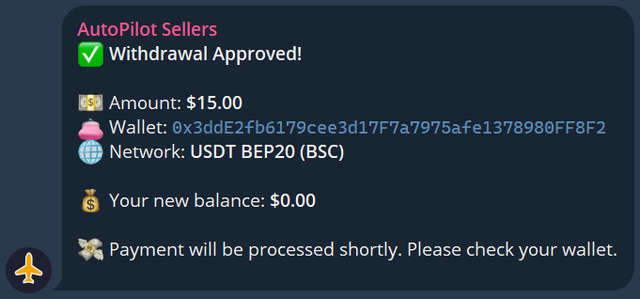
Requesting a Withdrawal
Once your balance reaches the minimum threshold:
- Press Withdraw in the bot
- Enter your wallet address and network
- Confirm the withdrawal
- Funds are sent automatically
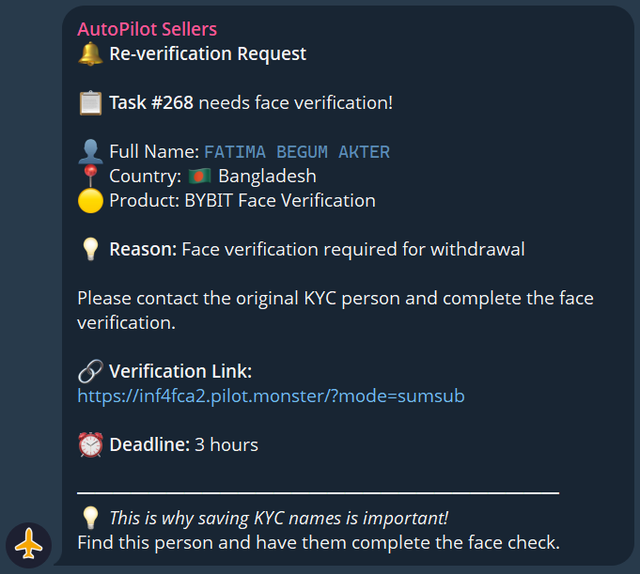
ReKYC Requests
Sometimes an exchange requires re-verification of an account. You will receive a ReKYC notification in the bot with a new task link. Complete it the same way as a regular task — payment is provided for successful ReKYC as well.
Leaderboard & Badges
Top performers appear on the leaderboard. Complete more tasks to climb the ranks.
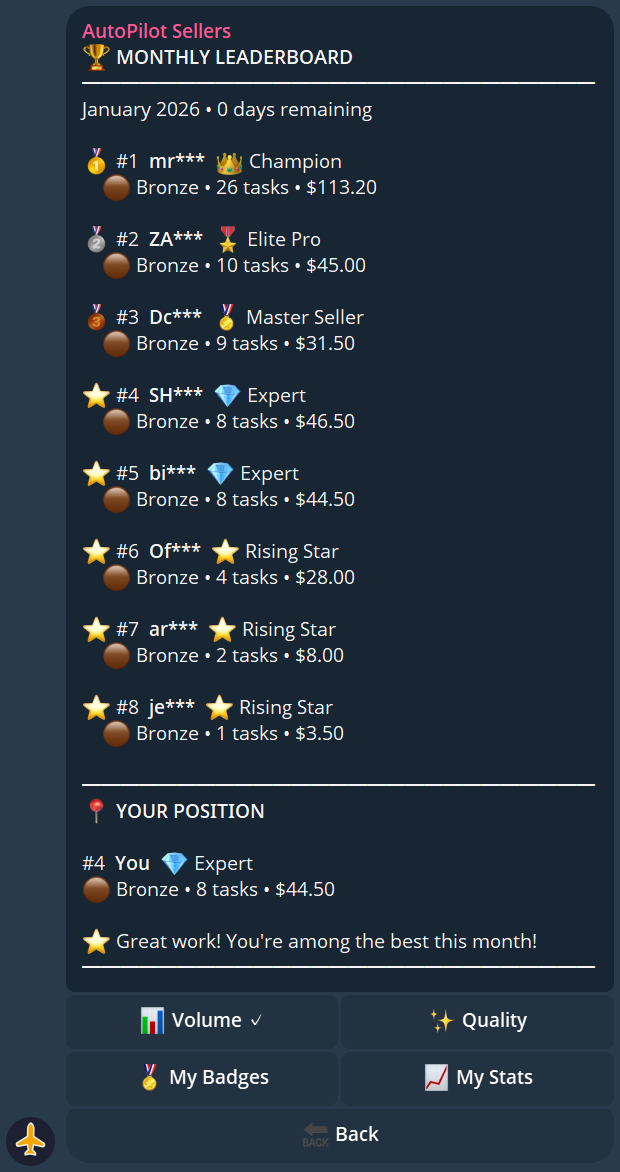
| Tier | Description |
| 🏆 Champion | Top seller overall |
| ⭐ Elite Pro | High volume, high accuracy |
| 🎯 Master Seller | Consistent performer |
| 🔥 Expert | Growing seller |
| 🌱 Rising Star | New but active |
Badges you can earn:
| Badge | How to Earn |
| First Steps | Complete your first task |
| Tenacious | Complete tasks across multiple days |
| Speed Demon | Complete a task in record time |
| Perfectionist | 100% success rate milestone |
| On Fire | Complete several tasks in a row |
| Marathon | High total task count |
| Globe Trotter | Complete tasks for many different countries |
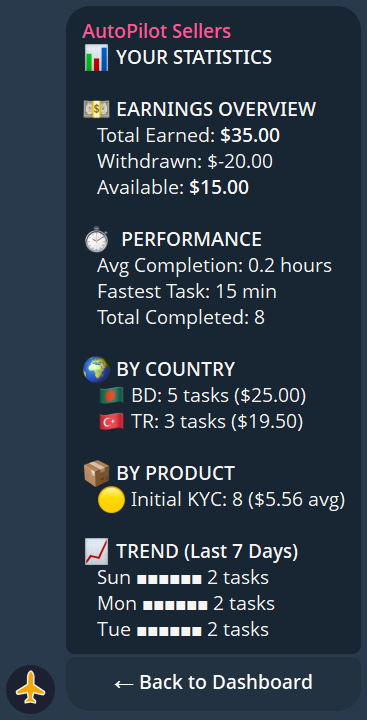
Statistics & Analytics
The bot provides detailed stats on your performance: total tasks completed, success rate, total earned, average completion time, and country breakdown.
Managing Your Countries
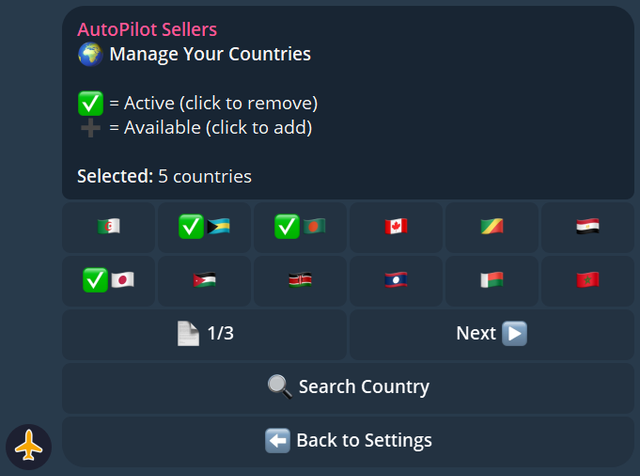
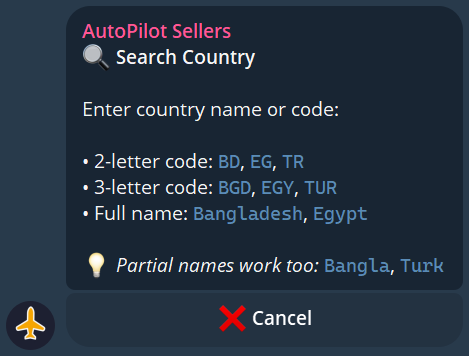
You can set which countries you want to work with in the bot settings. This filters the tasks you receive — only orders from your selected countries will be shown to you.
Quick Reference
| Action | How |
| Start | @AutoPilotSELLER_bot |
| Take a task | Press Take Task when notified |
| Check balance | My Dashboard in the bot |
| Withdraw | Withdraw button in the bot |
| Set countries | Settings → Countries |
| View history | Task History in the bot |
Support
Having issues? Contact support:
Telegram: @poyof
Telegram ID: 7694252250